
Translate Chinese, characters and all.
Chinese is the language that made the app treat online and offline scanning differently. Your iPhone can read characters on its own, and it reads them noticeably better with a connection — so the camera uses one when it is there, and your phone when it is not.
Typing works with no signal
Download the Chinese pack once, over hotel wifi, and typed translation runs on the phone from then on — as it does in all 58 languages.
The camera reads it better online
Your iPhone can read Chinese on its own, and reads it more accurately with a connection — so it uses the connection when there is one and the phone when there is not.
Speech depends on your iPhone
Spoken translation uses Apple's own speech packs, which cover about half of these languages and differ from phone to phone — so the app tells you if it cannot hear Chinese rather than failing while someone waits. How speech works.
A page of a book, read where it lay
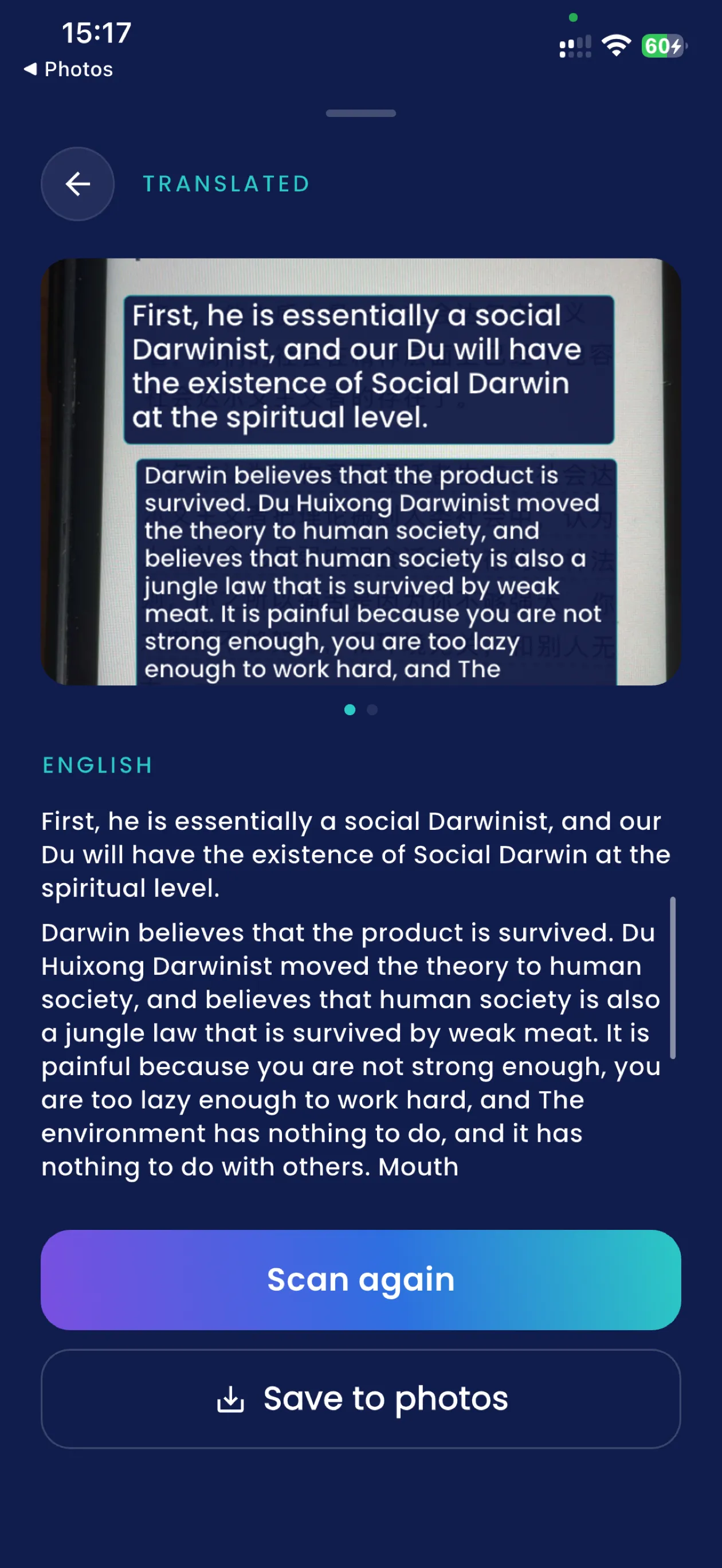
Two real ones, printed and photographed
Both went through the app on an iPhone from pages we had printed, so the Chinese is known rather than guessed. What came back is below it, unedited.
Printed on it
- 老桥
- 这座桥建于1580年。
- 它在战争中被毁,后来用原来的石头重建。
- 如今它是该地区参观人数最多的古迹。
- 允许在不使用闪光灯的情况下拍照。
What the app gave back
- Old bridge
- This bridge was built in 1580.
- It was destroyed in the war, and later reconstructed with the original stone.
- Now it is the most visited monuments in the region.
- Allow photo without using a flash.
Read and translated on an iPhone, 1 September 2026, from a page we had printed — so the original is known rather than guessed. Nothing here is tidied up.
Five lines of connected prose, all of it right: built in 1580, destroyed, rebuilt with the original stone, photography without flash. This is the case the app is for — a wall of text you would otherwise walk past.
Printed on it
- 中央车站
- 3号站台
- 开往机场的列车
- 上车前请购票
- 出口在右侧
What the app gave back
- Central Station
- 3 platform
- Train from the airport
- Please purchase tickets before getting on the bus.
- Exit on the right
Read and translated on an iPhone, 1 September 2026, from a page we had printed — so the original is known rather than guessed. Nothing here is tidied up.
And here is the one to look at hard. "开往机场的列车" means trains to the airport. The app said "Train from the airport". That is not a clumsy phrase, it is the opposite direction — and it is followed by a line that invents a bus. "3号站台" also came back as "3 platform" rather than "Platform 3".
Every translation app does this and most of them show you a menu instead. It is here because a person deciding whether to trust a phone with a train is better served by the failure than by the placard. How the camera reads.
Questions
Does Chinese translation work offline on iPhone?
Typing does, completely, once the Chinese pack is downloaded. The camera works offline too, but it reads characters more accurately with a connection — so the app uses one when it is available and falls back to the phone when it is not, rather than refusing to scan.
Why does the camera need the internet for Chinese if it works without it?
Because the two are not equally good. On-device recognition of Chinese characters was measured against known printed pages and gets enough of them wrong to change a sentence. Cloud recognition reads them better, so the photograph goes there when there is a signal. No image is sent when there is not.
Does it handle Simplified and Traditional characters?
The examples on this page are Simplified, which is what the corpus was printed in. Recognition is the phone’s and the cloud’s rather than ours, and neither is asked which variant it is looking at.
Is it good enough for a Chinese menu?
For a menu, yes — that is what it is built for. For anything where a reversed direction or a dropped word would matter, no, and there is an example on this page of exactly that going wrong.
Take it with you
The first 15 translations are free, with ads and no card. Download the Chinese pack before you go and the phone can do the rest on its own.
Get SofiLingo on the App StoreAll 58 languages · translating with the camera · translating with no internet · a translator for going abroad